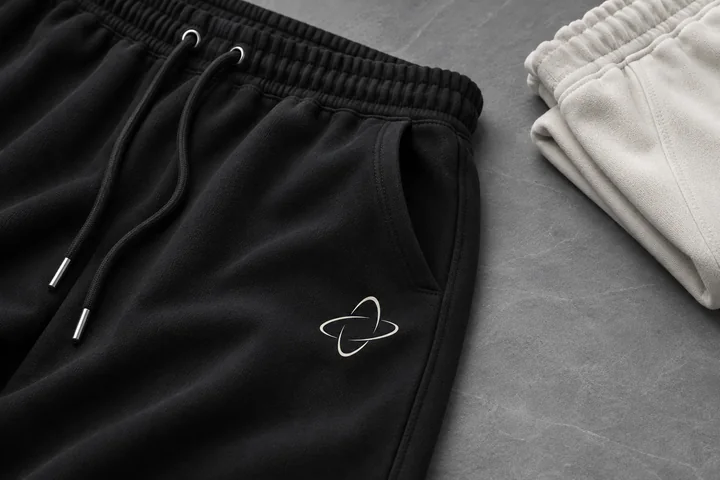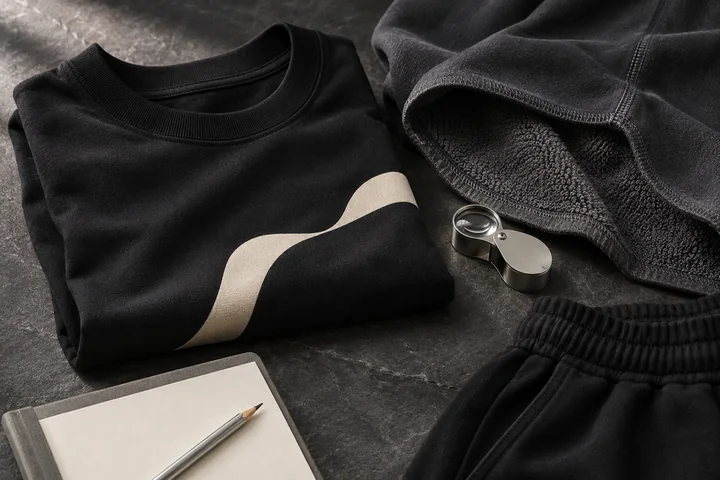
A matching outfit gives your artwork more than one place to belong. A small mark on the pants can connect with a T-shirt graphic, while a larger back print gives the set its own identity. The useful design decision is how those pieces work together when worn, and how each feels on its own.
Custom co-ord sets in MB POD Studio bring an oversized T-shirt and wide-leg sweatpants into one product. Choose Black or Off White, select a matching size, and customize the T-shirt front, T-shirt back and pants logo separately. The listed product price is $30 per set, including any combination of those three placements. Shipping is additional.
Here is a practical way to build a coordinated set for your wardrobe, a creator collection or a small clothing-brand test.
What Comes In The MB POD Co-Ord Set?
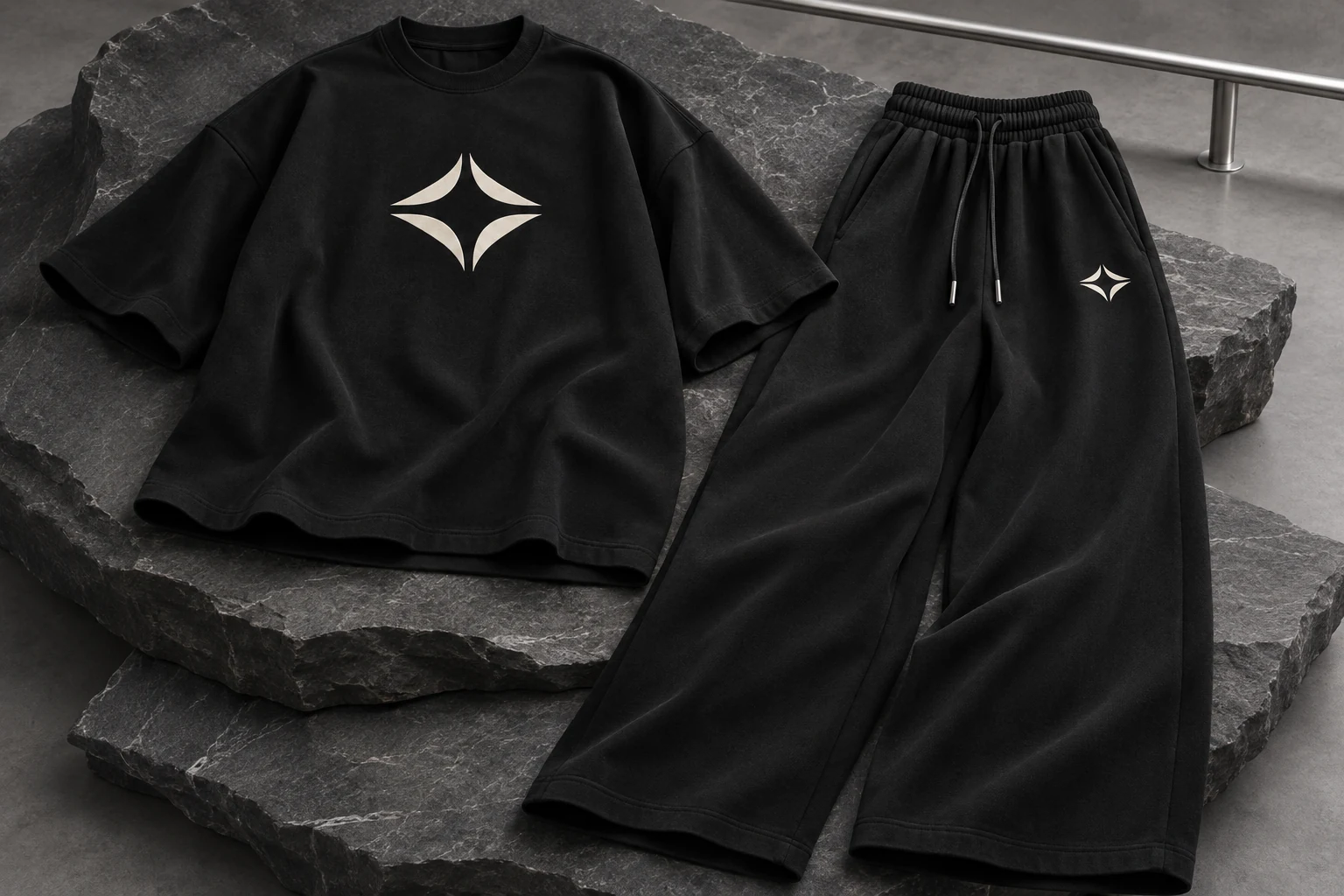
The set pairs an oversized tee with relaxed wide-leg sweatpants in 260 GSM cotton-blend terry. Both pieces share a color, giving the outfit a consistent foundation before you add artwork. The available colors are Black and Off White, with set sizes S, M, L, XL and 2XL.
One set size applies to both garments. If you select medium, the request contains a medium T-shirt and medium pants. The studio does not create a mixed-size set, so inspect both measurement tables before choosing.
Open the Co-ord Set studio to see the garment photographs and the three available preview tabs. The editorial image above illustrates a design direction; use the product photographs and your own artwork preview for the actual request.
Give The Outfit One Recognizable Design Idea
Start with a visual relationship rather than three unrelated graphics. You could repeat a small symbol on the tee and pants, use a quiet front mark with a larger back composition, or carry one line style across all three areas.
For example, a creator might use a compact front emblem, an illustration on the back and the same emblem on the upper thigh. The illustration tells the story; the smaller marks connect the pieces. Another approach is to leave the tee front blank and pair a back graphic with a discreet pants logo.
Reduce the design to one sentence before uploading: what should make these garments feel like the same collection? That sentence helps you decide what to remove as well as what to add.
Build The Three Artwork Placements Independently
In Step 2, upload an image for each area you want to customize. T-shirt front and back have separate controls. The pants have their own logo slot, with a smaller upper-thigh print area.
Switching to Pants Logo changes the live preview to the pants. Returning to a T-shirt tab keeps that side's saved artwork and position. You can use different files for every placement, or reuse a symbol where it supports the design.
Use resizing, dragging and the center, top and bottom controls to refine the active area. Check the preview after each change. A large illustration intended for a T-shirt back may lose its character when reduced to a small pants logo; prepare a simplified version when necessary.
The studio accepts PNG, JPG and WebP images up to 10 MB each. A transparent PNG is useful for artwork that should sit directly against the fabric without a rectangular background.
Compare The T-Shirt And Pants In One Size Guide
The Step 1 Size chart popup includes both garment charts. Its inches and centimeters controls update the measurements together, so you can compare the complete outfit without leaving the studio.
These are selected measurements from the combined guide:
| Set Size | T-Shirt Chest (in) | T-Shirt Length (in) | Pants Waist (in) | Pants Outseam (in) |
|---|---|---|---|---|
| S | 42 | 28 | 30 | 39 |
| M | 44 | 29 | 32 | 40 |
| L | 46 | 30 | 34 | 41 |
| XL | 48 | 31 | 36 | 42 |
| 2XL | 50 | 32 | 38 | 43 |
The popup also includes T-shirt shoulder, pants hip and inseam measurements. Compare with clothing you already like using the same measuring convention. A flat width and a circumference are different measurements; confirm the method if you are unsure before making a size decision.
Organize Several Sets Without Repeating The Workflow
Use Add color / size in Step 1 to create another selection and give it a quantity. Each queue entry keeps its own artwork, making it possible to prepare Black and Off White versions with different contrast treatments.
The apply-to-all control copies the active design to the relevant placement across your selections. Review every entry afterward. Copying a pants logo should leave each tee design intact, and a light graphic may need a dark alternative on Off White.
Each matching set counts as one product toward the current 30-product order limit. Products already in your bag share that limit. Keep a simple selection list so your requested set quantities agree with your customer or sample plan.
Understand The Set Price And Delivery Total
The $30 unit price stays the same whether you choose no artwork, one placement or all three. Standard POD shipping is listed at $7.95 for the first product and $4.95 for each additional product in the same order.
One set therefore totals $37.95 before tax with standard shipping. Two sets total $72.90 before tax: $60 in products plus $12.90 shipping. A set is counted once in these shipping calculations.
Review currently listed standard USA delivery of 3–10 business days and any rush option before submitting. Confirm production and delivery arrangements with Minimal Basics for a date-sensitive project. Direct-to-customer delivery instructions are available in the final step if the set is for your customer.
Review The Complete Outfit Before Sending It
Inspect each color and size entry, then visit all three preview tabs. Check artwork spelling, orientation, contrast and placement. Review the set quantity, address and final total together.
The site currently accepts unpaid order requests. Submission records the request and original artwork; it does not collect an online payment. Confirm payment and fulfillment with Minimal Basics before treating a request as a confirmed shipment.
For a first collection, evaluate a physical set before offering it to customers. Wear the tee and pants together and separately, then check the result against the design idea you started with.
Custom Co-Ord Set Questions
Can The T-Shirt And Pants Use Different Designs?
Yes. The tee front, tee back and pants logo are independent upload areas. Each keeps its own artwork and placement information.
Does Adding All Three Designs Increase The $30 Price?
No. The current set price includes any combination of the three supported placements. Shipping, applicable tax and any selected rush upgrade are separate.
Can I Choose Different Sizes For The Two Pieces?
The current set uses one matching size for both. Compare both charts in the popup. If that combination does not suit you, review the separately listed garments in the MB POD collection.
Where Do I Start A Matching Set?
Choose your color and set size in the Co-ord Set studio, then move through artwork and delivery review.