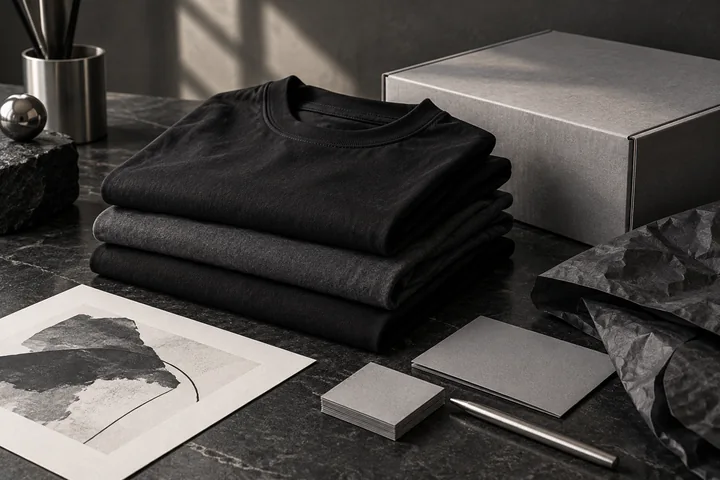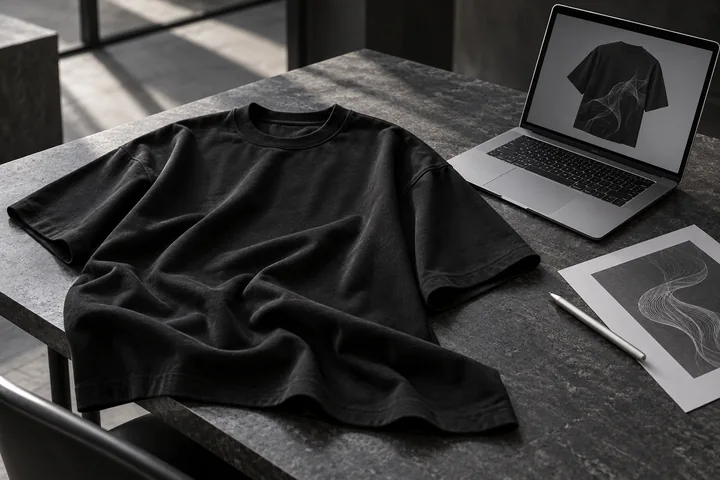
When you create custom clothing for someone else, the delivery experience becomes part of the product. The recipient needs the correct tee, artwork, size and address details, and your packaging instructions need to be clear before fulfillment begins.
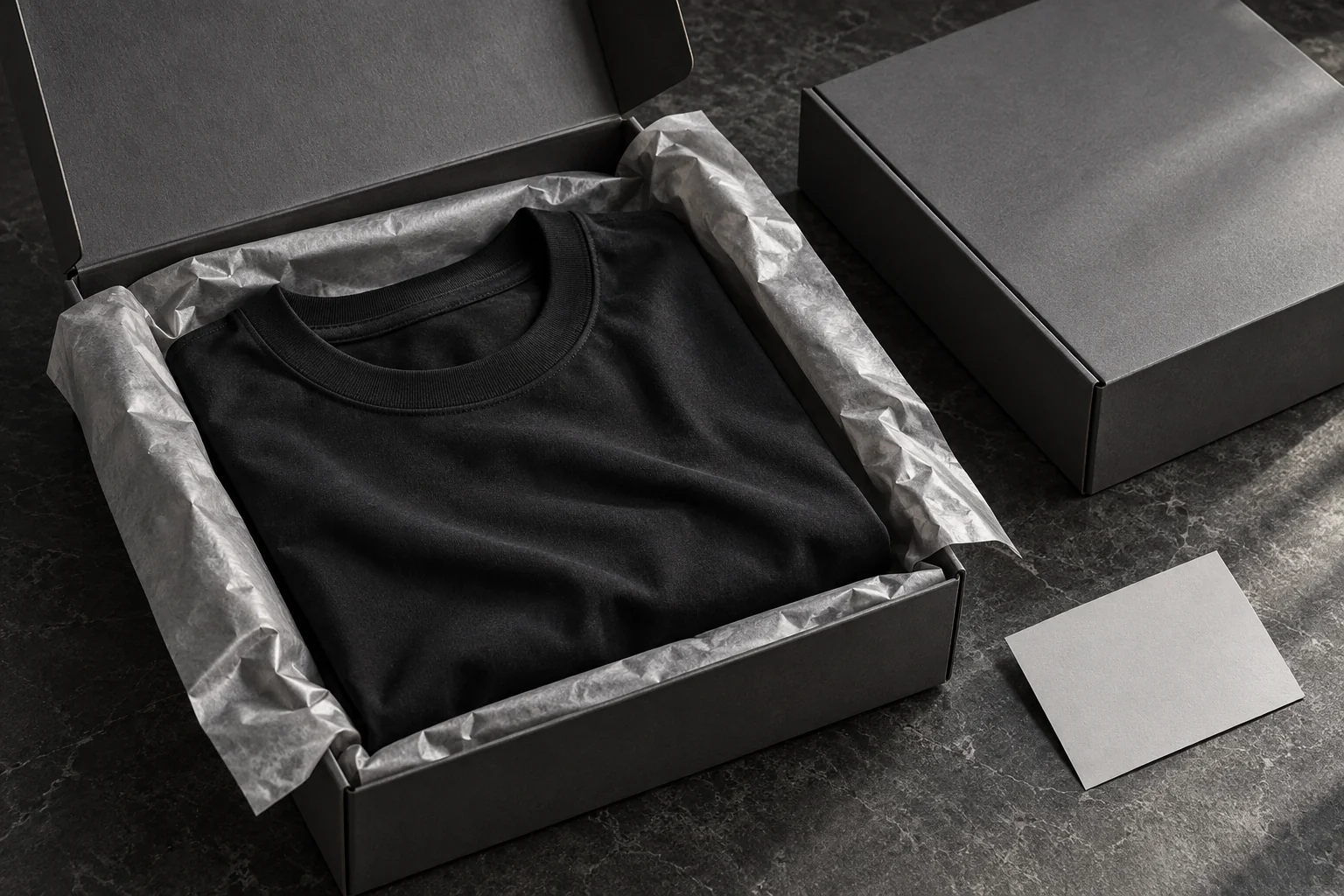
For creators exploring white-label print on demand, MB POD Studio includes a direct-to-customer option. You can prepare an oversized tee design, enter your customer’s information and request a package without Minimal Basics labels, tags, branding or product pricing.
Here is how to organize that request so the design and delivery details stay connected.
Understand The Packaging Choice You Are Making
The studio’s optional direct-to-customer checkbox records an unbranded-packaging preference for the request. It also provides a place to enter a package-price instruction when you want a specific price shown on the package.
Review that choice in the context of your own brand experience. If you need custom labels, additional inserts or a particular packaging treatment, discuss those requirements with Minimal Basics before submitting the request.
Keeping the instructions specific makes them easier to review. Include the information needed to identify the recipient and understand the packaging preference without assuming that every extra branding detail is part of the standard workflow.
Prepare The Correct Product Before Adding Delivery Details
Begin with the garment itself. MB POD Studio currently customizes the 240 GSM unisex Oversized Classic T-Shirt, with 19 colors and sizes XS–XXL.
Select the color, size and quantity, then upload the artwork for the front, back or both. Use the size-chart popup if you need to check garment measurements before making the selection.
For a direct-to-customer order, double-check the design against the recipient’s request. A similar-looking artwork filename or an adjacent size button is easy to overlook when you are working quickly.
Review the front and back previews together before moving to the final step. The custom oversized tee guide walks through the complete studio workflow.
Enter And Review Your Customer’s Information
In the delivery step, select the option to ship directly to your customer and enter their recipient details.
Review the information in a consistent order:
- Recipient name and any relevant company name.
- Street address and apartment or unit information.
- City, state and ZIP code.
- Contact information requested by the form.
- The packaging preference and any optional package-price instruction.
Compare those details with the information your customer provided. An apartment number or a transposed digit in the ZIP code can make the request harder to fulfill correctly.
If different products are intended for different recipients, prepare and review their details separately. Confirm the fulfillment arrangement with Minimal Basics rather than assuming one shared address applies to every customer.
Keep Package Pricing Separate From The Order Total
The optional package-price field is a packaging instruction. It does not change the unit price charged by the studio or the order’s shipping calculation.
That distinction is useful if you sell a custom tee through your own business. The retail price you communicate to a customer and the production-and-shipping cost of the request serve different purposes.
At the current listed rates, a designed tee is $25, with the same product price for the front, back or both. Standard POD shipping is $7.95 for the first product and $4.95 for each additional product in the same order. One designed tee with standard shipping therefore totals $32.95 before tax.
Check your full business costs when setting your selling price. The POD clothing business guide includes practical order-cost examples and a sample-planning process.
Choose Delivery Timing Before Making A Customer Promise
The studio currently lists standard USA shipping at 3–10 business days and an optional 3-business-day rush choice. The rush upgrade is additional to standard shipping and depends on the total product count.
The listed rush tiers are $20 for 1–5 products, $30 for 6–10 and $50 for 11–30. The current maximum is 30 total products per order.
Review the selected option and confirm production and dispatch arrangements with Minimal Basics before promising a delivery date. This is particularly useful for event merchandise, gifts and time-sensitive releases.
Keep the customer informed using the communication process you have agreed with them. Clear expectations about the request, production and shipment help the recipient understand what happens next.
Use A Final Review That Covers Both Design And Delivery
Before submitting, return to the product summary and check the recipient details alongside the selections. Confirm that the color, size, quantity and print placements match the intended customer.
Then check the packaging instruction and shipping total. If you changed a design, make sure the current file is visible in the correct preview. Keep your own copy of the approved artwork and the information needed to identify the request.
The current website accepts unpaid order requests. Submitting saves the order details and original artwork without collecting an online payment. Confirm payment and fulfillment arrangements with Minimal Basics before treating the request as a scheduled shipment.
Build A Repeatable Customer-Delivery Process
For repeat work, use a small checklist for each request: approved artwork, garment selection, recipient details, packaging choice and confirmed timing.
That routine helps you manage a personalized clothing service with clearer records. It is especially useful when two customers choose similar designs or when one artwork is reused in several sizes.
Open MB POD Studio to prepare your next custom tee and review the direct-to-customer option in the final step.
Direct-To-Customer POD Questions
Can I Request A Package Without Minimal Basics Branding?
Yes. The direct-to-customer option records a request to omit Minimal Basics labels, tags, branding and product pricing from the package.
Does The Package-Price Field Change What I Pay?
No. It records an optional packaging instruction. Product pricing and shipping are calculated separately in the order review.
Are Customer Orders Submitted Automatically From My Store?
The current MB POD service uses its own manual design-and-order-request workflow. Confirm the ordering, payment and fulfillment process with Minimal Basics when planning your customer-delivery service.