Custom T-shirts can give a creative team, pop-up event or community project a shared identity. The useful starting point is a clear order plan: who needs a shirt, which fit each person prefers and what should appear on the garment.
MB POD Studio lets you prepare several color-and-size selections in one workflow and review artwork for each selection. For a project within the website's 30-product order limit, that can keep the details together without building every shirt as a separate order. This guide explains how to organize a small custom T-shirt order before you begin.
Write A Simple Apparel Brief
Describe the purpose of the shirt in one sentence. A volunteer tee that helps people identify event staff may need a clear, consistent front mark. A creative-team garment worn beyond the event might work better with a quiet front detail and a larger back design.
Choose one person to approve the final artwork and another to confirm the quantity breakdown if your group needs that separation. Record the deadline, delivery destination, preferred garment colors and the version of the artwork everyone has approved.
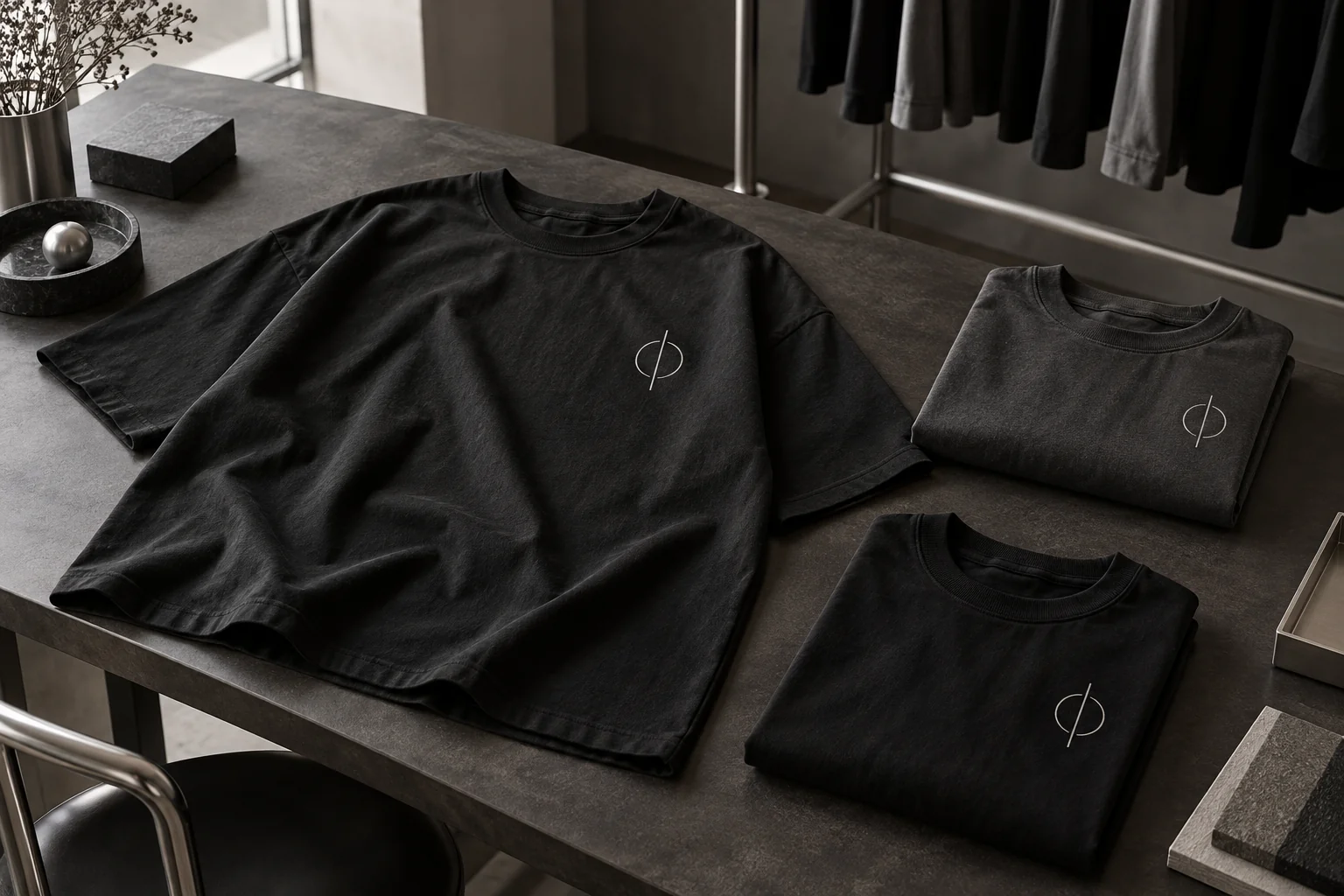
Keep the brief specific enough to settle practical questions. A note such as 'black oversized tee, small light front emblem, no back artwork' is easier to turn into a studio selection than a long collection of competing visual ideas.
Collect Sizes Before Opening The Studio
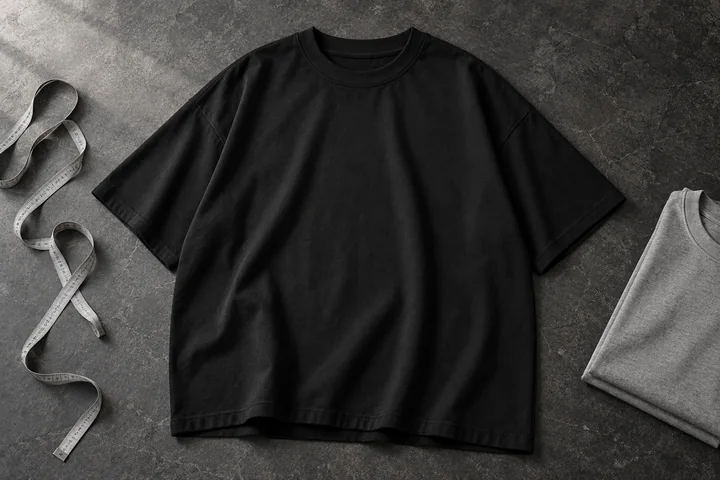
Ask each person to compare the garment chart with a T-shirt they already like. An oversized cut is already designed with a relaxed shape, so moving up several label sizes can produce more length and width than someone expects.
Collect a size choice, a color choice and a quantity for each person or group. Avoid publishing personal details in an openly shared sheet; the studio only needs the product selections when you build the apparel plan.
The MB oversized fit guide explains chest, length and shoulder measurements. In the studio, Step 1 also includes a Size Chart popup with inches and centimeters. Closing the chart keeps the selected color, size and quantity in place.
Turn The Size List Into Selections
Group matching color-and-size choices together. For example, a six-shirt plan might contain the following selections:
| Selection | Color | Size | Quantity |
|---|---|---|---|
| First | Black | M | 3 |
| Second | Black | L | 2 |
| Third | Gray | XL | 1 |
This is three selection rows and six individual products. In Step 1, choose the first color and size, set its quantity, then add the next selection. Check the total count against your original list before moving on.
The website limit is 30 products in one order, including products already in the bag. If you need more pieces, confirm a suitable arrangement with Minimal Basics rather than assuming a larger batch will fit in the same request.
Choose A Design That Works Across The Group
A common design can create continuity even when the group chooses different garment colors. Start by deciding which element needs to be recognized: a team name, an original emblem, an event identity or an illustration.
Use artwork you created or are authorized to reproduce. Review spelling, dates and the approved version before uploading. A small error repeated across several shirts is harder to resolve than a correction made in the source file.
Check the design on every selected color. An off-white mark can be clear on black, while that same mark may be difficult to see on a pale garment. Prepare a second artwork version when the color contrast needs it, rather than treating every tee as an identical background.
Use The Artwork Queue Carefully
Step 2 provides a queue for the selections in your design. Click a selection to change the garment shown in the left preview, then upload and position artwork for that selection. Front and back can hold separate files.
If the group uses the same layout, apply the artwork to the other selected colors and placements, then revisit each queue entry. Check the correct file, side and position on every selection. The apply-to-all control is useful for consistency, but a final color-by-color review is still worthwhile.
One selection with a quantity greater than one represents repeated copies of that configuration. If two people need different artwork, keep those designs in separate selections or separate studio configurations, and confirm the final review reflects both. Read the artwork preparation guide before exporting your files.
Approve Placement And Appearance Together
Use the resize, move and alignment controls to bring the layout into balance. Inspect the front and back as a pair, even if one side is intentionally blank. Think about how the design reads when looking at the whole shirt.
The preview is a planning tool rather than a physical print sample. For a project where the exact fit, color or print appearance matters, arrange a sample and confirm production details before approving the full group order.
If the shirts must work together in event photographs, keep a record of the approved design files and preview choices. That gives your group a clear reference and reduces late changes after someone has already reviewed the layout.
Build A Budget Around The Product Count
The listed studio price is $15 for a blank oversized tee or $25 for a designed tee, whether artwork is on the front, back or both. Standard POD shipping is $7.95 for the first piece plus $4.95 for each additional piece.
For the six-shirt example above, six designed tees cost $150 and standard shipping is $32.70, for $182.70 before applicable tax. The MB POD pricing guide includes more quantities and explains the rush tiers.
Set aside any separate costs for artwork, samples or your own event distribution. The studio quote describes the products and selected delivery options, rather than the full budget for running an event.
Confirm The Deadline And Delivery Plan
The studio lists standard USA shipping at 3–10 business days and a 3-business-day rush option with an additional fee. Before committing to an event date, confirm the artwork approval, payment, production and dispatch arrangements with Minimal Basics.
Choose a clear delivery destination for the group and verify the recipient details. If you need shirts sent to multiple addresses, contact Minimal Basics to confirm an appropriate fulfillment arrangement; do not assume one request automatically creates a multi-address shipment.
The website currently accepts unpaid order requests. Submission does not complete an online payment or confirm that production has begun. Once your sizes, design and timing are ready, open MB POD Studio and review the complete request before submitting it.
Team Order Questions
Can One Order Include Different Sizes And Colors?
Yes. Add color, size and quantity selections in Step 1, then review their artwork individually in Step 2. The total number of products must remain within the order limit.
Does Every Shirt Need The Same Artwork?
No. Use the selection queue to review the intended artwork for each configuration. Keep separately customized pieces in separate selections or studio configurations and verify the final review.
Can I Order More Than 30 Shirts Online At Once?
The website currently caps one order at 30 products. Contact Minimal Basics to discuss a larger project and its production and delivery requirements.